Service 04 · Restore
Repair & Rework Services
Hardware failures and performance issues can impact business operations and employee productivity.
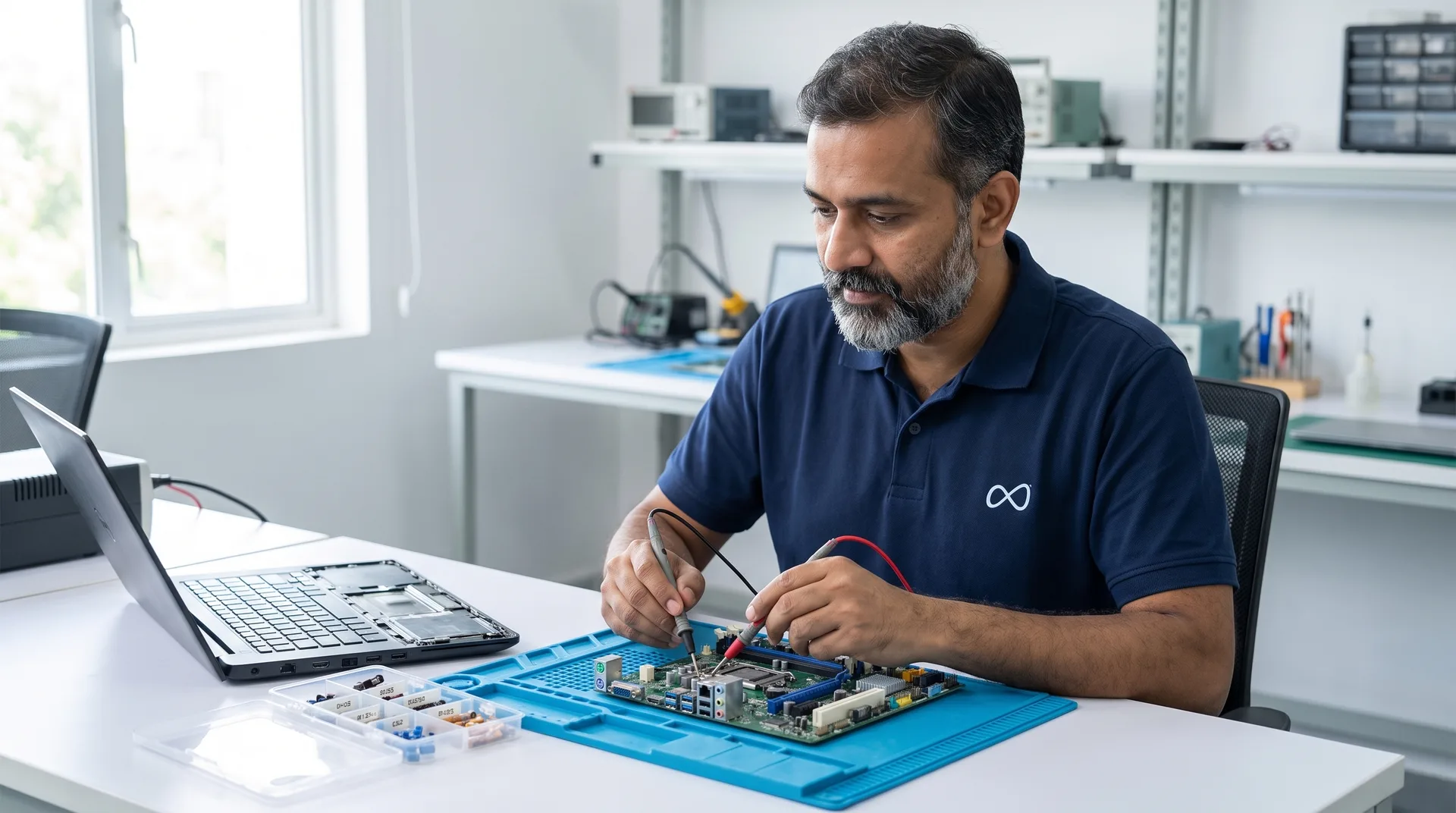
MAVS Repair & Rework Services help organisations restore device functionality through structured diagnostics, repairs, and validation processes.
Assessment areas
What’s included.
01
Hardware diagnostics
A structured check that finds the fault rather than guessing at it.
02
Motherboard condition
The board inspected and tested for damage, wear and failed components.
03
Component replacement
Failed parts replaced with compatible components.
04
Power & connectivity issue resolution
No-power, charging, port and connection faults traced and fixed.
05
Thermal optimisation
Cooling cleaned and restored so the device stops overheating or throttling.
06
Functional testing & validation
Every function checked after the repair, before the device is returned.
07
Health test
A full health check of the repaired device's components.
08
Performance test
The device benchmarked to confirm it performs as it should.
Who it’s for
Built for the wayorganisations run IT.
Supported devices
- Laptops
- Desktops
- Mini PCs
- All-in-ones
- Workstations
Supported OEM brands
HP · Dell · Lenovo · Asus · Acer · Other enterprise computing brands
Business benefits
- Extended asset life
- Faster asset recovery
- Reduced downtime
- Improved asset reliability
- Professional technical support
How it works
From requestto reported.
01
Tell us what you need
Choose a service and send the request form. Each form asks only what that service needs.
02
Assessment & plan
A MAVS specialist confirms the devices, scope and schedule with you.
03
Standardised execution
Engineers carry out the work to a defined methodology, documenting as they go.
04
Validation & reporting
Work is checked and tested, and you receive the documentation for your records.
Request
Request a diagnosis.
A few questions about the work, then your details. It takes about two minutes, and there's no obligation.
What happens next
- 01We review your request
- 02A specialist confirms scope with you
- 03You receive a plan for the work
Prefer to talk?1800 833 8332support@mavspc.com
More from MAVS Managed Services