Warranty checkDrivers
MAVS — Shaping the Future

MAVS Asset ReLife

Don’t replace.ReLife.

Engineering-led diagnostics, upgrades, rework and recertification that return the laptops and desktops you already own to productive service.

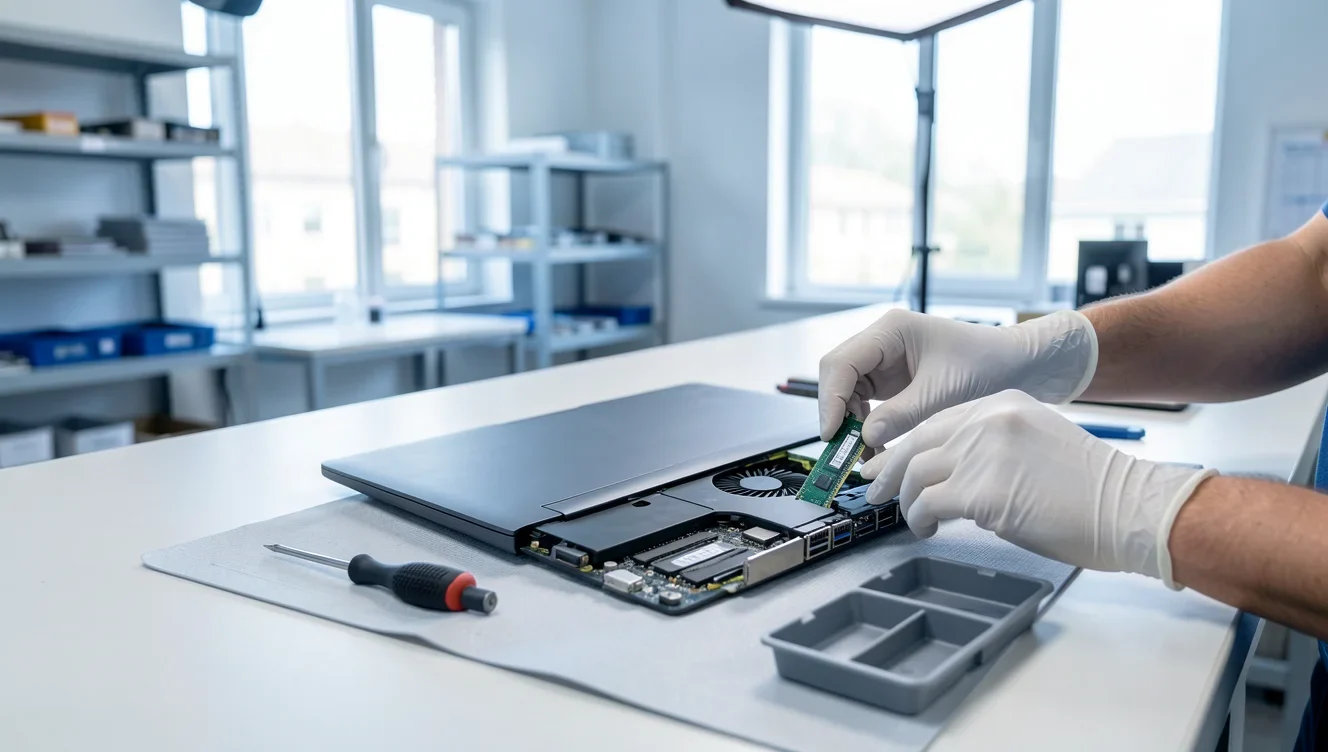
An engineer seating a new memory module in a laptop at an ESD workbench
  1. Diagnose
  2. Report
  3. Rework
  4. Upgrade
  5. Test
  6. Recertify
  7. Redeploy
Up to90%*
lower cost than buying new
More than2 yrs
of added service life per asset
A framework of6
stages, from selection to recycling
AMC for up to24 mo
(2 years) with spare parts covered

* Actual savings depend on asset condition, recoverability and project scope.

The business challenge

Most of the fleet you’ve written offstill has years left in it.

  1. 01

    Working

  2. 02

    Slow

  3. 03

    Non-Functional

  4. 04

    Considered End-of-Life

Only the last is truly finished — and far fewer devices belong there than are considered end-of-life. Many can be restored, upgraded, recertified and put back to work.

What IT teams are up against

  • Rising device replacement costs
  • An ageing laptop and desktop fleet
  • Performance that degrades year on year
  • Frequent hardware failures
  • Little visibility into asset health
  • Pressure to run IT more sustainably

What ReLife returns

  • Extended asset lifecycle
  • Lower replacement spend
  • Better asset utilisation
  • Less e-waste
  • More sustainable IT operations
  • Faster turnaround than procurement
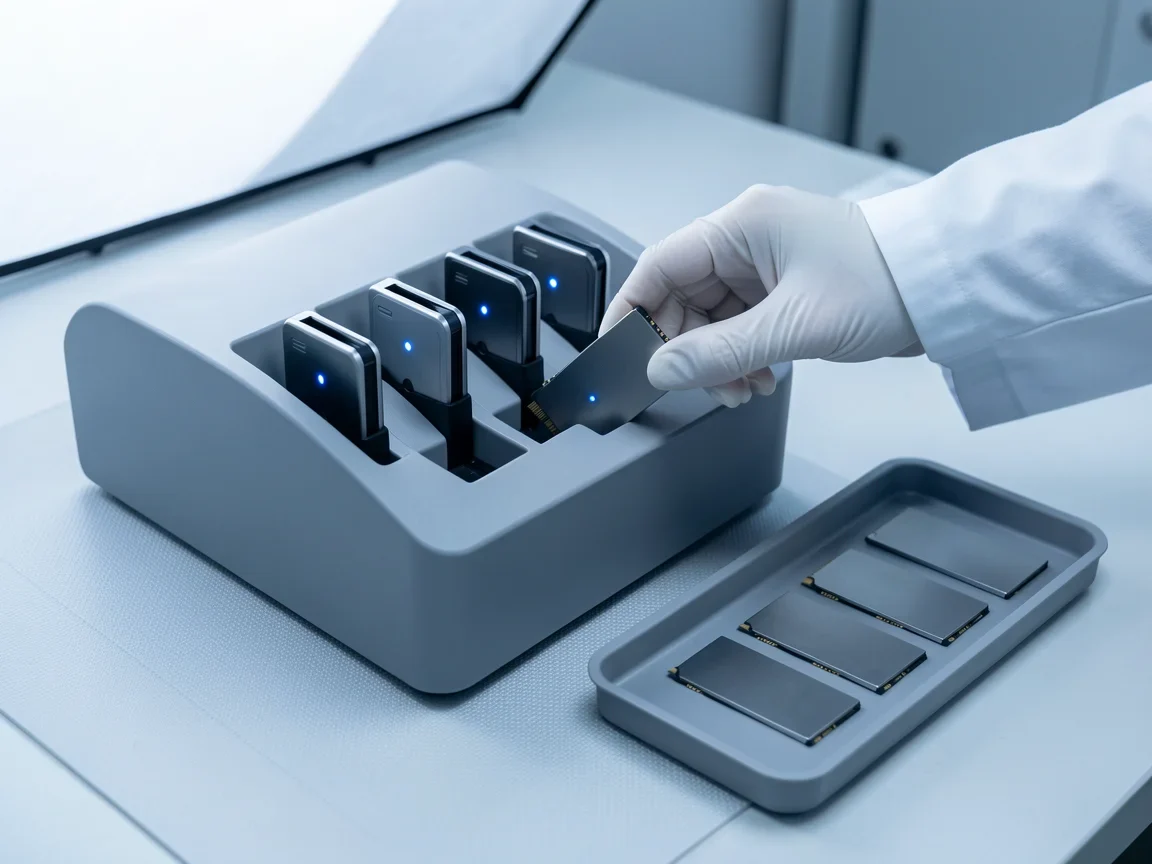
An engineer loading a drive into a secure data erasure station

01

Asset selection & data wiping

Select the right assets. Protect the right data.

Every ReLife project starts on your site. MAVS engineers inspect the fleet with you, judge each device on its condition and recoverability, and agree which assets are worth restoring. Nothing is touched until you approve the pool — and customer data is removed before any restoration begins.

On-site physical inspection

  • Chassis and display condition
  • Keyboard and touchpad function
  • Camera and port function
  • Asset configuration
  • Physical damage indicators

Data wiping, once you approve

  • Customer data removed from every selected asset
  • Secure wiping procedures where required
  • Storage media retained by you, on request
  • Destruction certificates for approved disposal projects

Data destruction, by media

HDD
Secure wipe · Degaussing · Physical destruction
SSD / NVMe
Secure erase · Cryptographic erase · Physical destruction
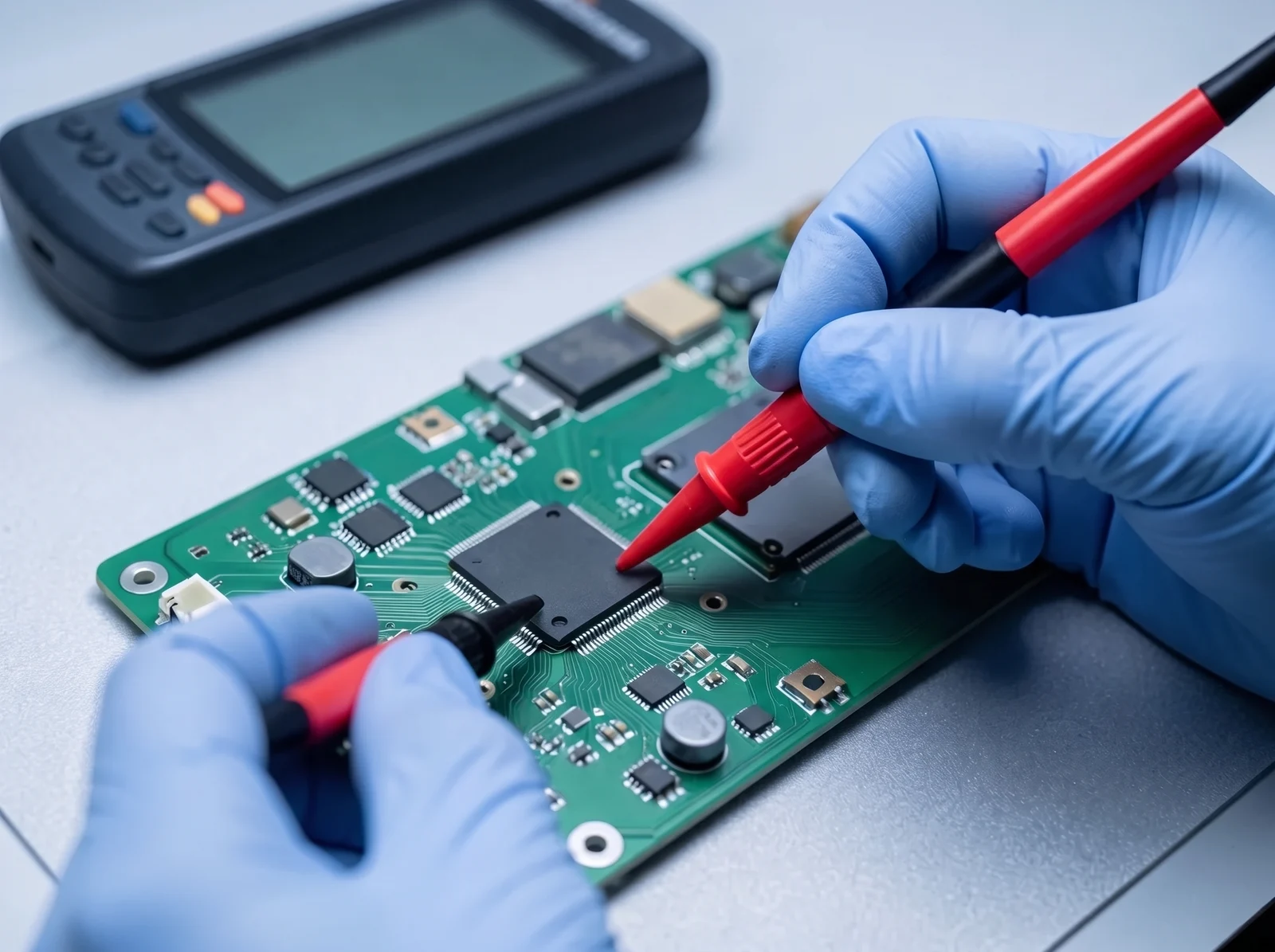
An engineer testing a motherboard with multimeter probes

02

Health assessment & diagnostics

Diagnose before you decide.

Every device then goes through a full diagnostic assessment and receives an individual health score. That score, not the asset's age, decides what happens next — whether it can be recovered as it stands, needs an upgrade or a component, or is better used to supply parts for the rest of the fleet.

What is assessed

  • Motherboard condition
  • RAM, SSD and HDD health
  • Battery health and display condition
  • Thermal performance
  • Port function and BIOS validation
  • Wi-Fi and Bluetooth connectivity
  • CPU and GPU stress, and burn-in

What you receive for every device

  • Asset condition report
  • Component health report
  • Recovery recommendation
  • Restoration feasibility assessment
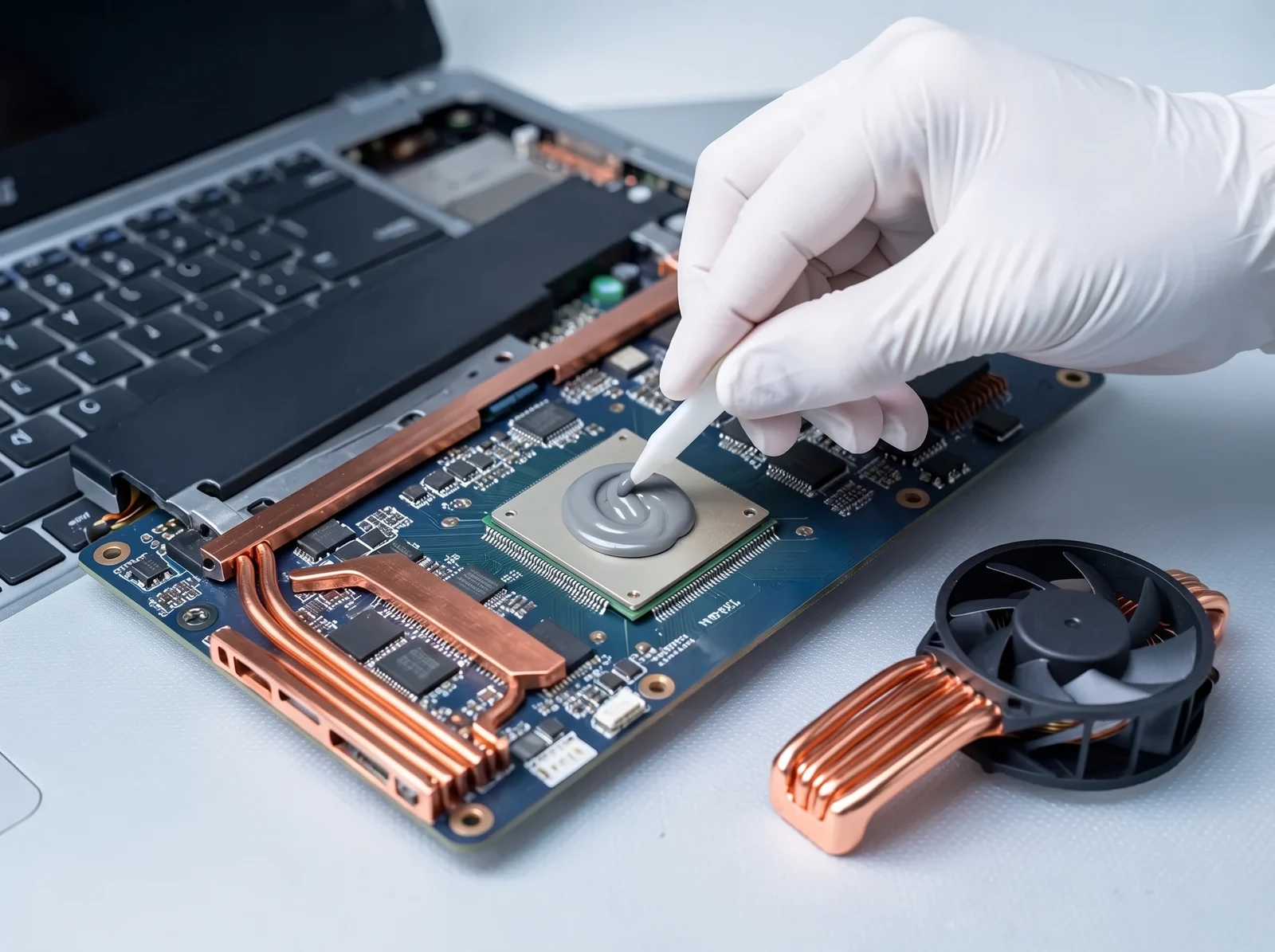
An engineer applying fresh thermal paste to a laptop processor

03

Restoration & recovery

Rework, upgrade, recover.

Eligible assets are restored using approved recovery, repair and upgrade processes — from a memory and SSD upgrade that makes a slow machine current again, to component-level motherboard repair.

Upgrade

  • SSD upgrades
  • RAM upgrades
  • Thermal optimisation and internal cleaning

Rework and repair

  • Display, battery and keyboard replacement
  • Motherboard repair
  • Component replacement
  • Hinge evaluation and durability testing
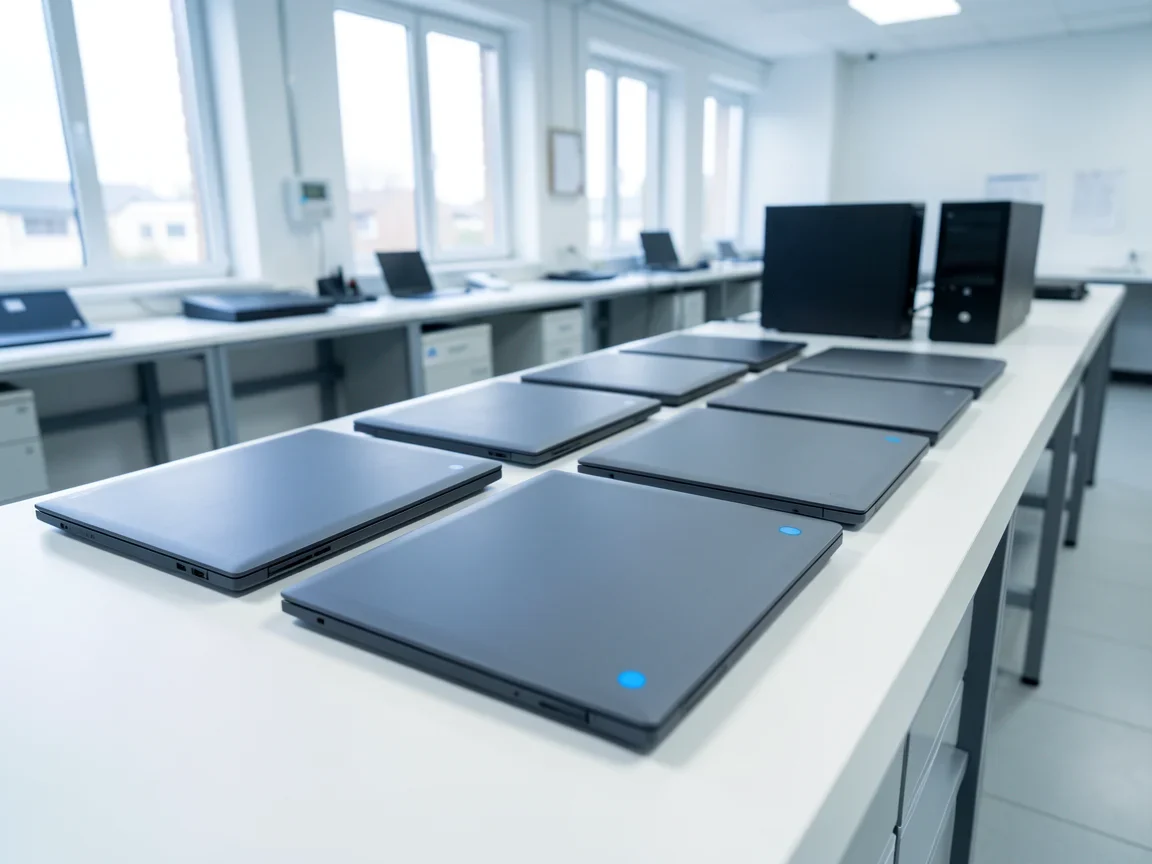
A row of restored laptops lined up ready for redeployment

04

Certification & redeployment

Enterprise ready. Performance verified.

Only validated assets are approved to go back into service. Every restored device is tested again end to end, graded, and returned with the documentation to prove it.

Every restored asset is tested for

  • Function and performance
  • Thermal behaviour and cooling
  • Ports and connectivity
  • Burn-in and long-run stability
  • BIOS integrity

Delivered with

  • Quality verification
  • Functional certification
  • Redeployment approval
AMC coverage, up to

24

months of AMC, with spare parts covered.

05

AMC support

Support that continues after redeployment.

ReLife does not end when a device goes back on a desk. A comprehensive annual maintenance contract keeps recovered assets supported, with spare parts covered, for up to two years.

Comprehensive AMC, with spare parts

  • Technical support
  • Fault diagnosis and troubleshooting
  • Eligible hardware replacement
  • Spare parts management
  • Service reporting and documentation
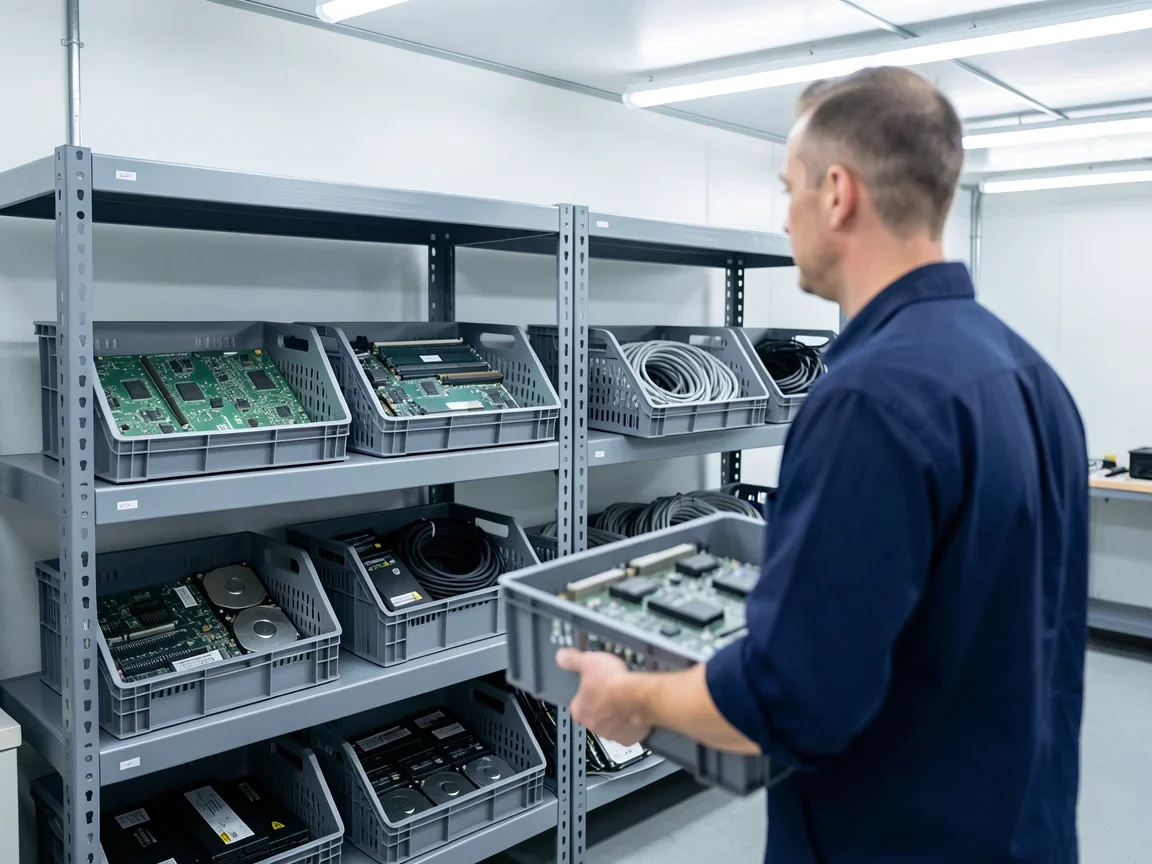
Retired computer components sorted into crates for authorised recycling

06

Responsible recycling

Retired responsibly, with the records to show it.

Assets that cannot be economically recovered are retired through secure, compliant and environmentally responsible disposal — processed through authorised recycling channels, with the paperwork your compliance team needs.

E-waste management

  • Processing through authorised recycling channels
  • E-waste compliance support
  • Responsible material recovery
  • Reduced environmental impact

Documentation & compliance

  • EPR (Extended Producer Responsibility) certificate
  • Asset disposal records
  • Recycling documentation

Asset grading

Every assetgets a grade.

Graded on physical condition at selection and on health after diagnostics. The grade — not the purchase date — decides what happens next.

Asset ReLife grades, from A+ to C
GradePhysical conditionHealth & outcome
A+Excellent physical conditionBest condition — ready for reuse
AGood, with minor scratchesGood — suitable for reuse
B+Moderate wear, suitable for reworkUsable, with considerations
BHigher wear, needs further evaluationWeak — replacement recommended
CDead conditionFailed — routed to parts or recycling

The comparison

Why replacewhen you can ReLife?

Buying new compared with Asset ReLife
Buying newAsset ReLife
CostFull capital outlay for every seatUp to 90% lower than buying new*
Time to serviceA full procurement cycleRestored devices back in service sooner
LifecycleWorking hardware retired early2+ years added to each recovered asset
E-wasteRetired devices leave the business as wasteRecovered where viable, recycled with records where not

* Actual savings depend on asset condition, recoverability and project scope.

The business impact

Reduce replacement.Maximise return.

01

Lower IT spend*

Up to 90% below the cost of replacement, depending on the fleet.

02

2+ more years

Get more value from hardware you have already paid for.

03

Faster availability

Restored devices turn around quicker than new procurement.

04

Sustainability goals

Less e-waste and a smaller environmental footprint.

05

Proven reliability

Restored, tested and certified for enterprise use.

06

Lower operational risk

Secure data handling and documented disposal.

Service catalogue

Everything in an engagement.

Diagnostics

  • Asset health assessment
  • Motherboard and port testing
  • RAM, SSD and HDD testing
  • Display, battery and camera testing
  • CPU and GPU stress testing
  • Wi-Fi, Bluetooth and touchpad testing
  • Burn-in testing

Rework & upgrade

  • SSD and RAM upgrades
  • Display, battery and keyboard replacement
  • Motherboard repair
  • Thermal management optimisation
  • Internal cleaning
  • Component replacement
  • Hinge mechanism evaluation and durability testing

Certification

  • Asset grading
  • Re-certification and quality validation
  • Performance verification
  • BIOS validation
  • Cooling system inspection
  • Enterprise certification
  • Redeployment readiness

Questions

Before youget in touch.

What is MAVS Asset ReLife?

MAVS Asset ReLife is an engineering-led service that extends the life of an organisation's existing laptops and desktops. MAVS diagnoses each device, restores and upgrades the ones worth recovering, recertifies them for enterprise use and returns them to service — and retires the rest responsibly.

How much can Asset ReLife save compared with buying new?

Asset ReLife can cost up to 90% less than replacing a device with new hardware. The actual saving depends on each asset's condition, how recoverable it is and the scope of the project, which is why every engagement starts with an on-site assessment rather than a fixed rate.

Does Asset ReLife only work on MAVS hardware?

No. Asset ReLife is designed for the laptops and desktops an organisation already owns, so the assessment covers the fleet you have in service today rather than only MAVS machines. Whether a given model is worth restoring is decided by its diagnostic results.

What happens to the data on our devices?

Customer data is removed from every selected asset before restoration begins, and only after you approve the asset pool. Hard drives can be securely wiped, degaussed or physically destroyed; SSD and NVMe drives can be securely erased, cryptographically erased or physically destroyed. Storage media can be retained by you on request, and destruction certificates are available for approved disposal projects.

How are devices graded?

Every device receives a grade from A+ to C. A+ and A devices are in good to excellent condition and ready for reuse; B+ devices are usable with some rework; B devices have higher wear and are usually better replaced; C devices have failed and are routed to parts recovery or recycling.

What happens to devices that cannot be restored?

Devices that cannot be economically recovered are retired through authorised recycling channels. MAVS provides the asset disposal records, recycling documentation and EPR certificate your compliance team needs.

Is support available after redeployment?

Yes. Recovered assets can be covered by a comprehensive annual maintenance contract with spare parts for up to two years, including technical support, fault diagnosis, eligible hardware replacement and service reporting.
Recover · Restore · Redeploy

Find out what your fleetcan still do.

Every engagement begins with an on-site assessment of the assets you already own. Tell us about the fleet and a ReLife specialist will follow up the same day.

1800 833 8332info@mavspc.com